Permanent Lighting App Won't Connect: Fixes That Work
Troubleshoot · 2 min read

Permanent Lighting App Won't Connect Fixes That Work

Five fixes in order. Try each before the next. The first three solve 95% of cases.

7-day refundPulled and refunded in full. No fine print.
5-year warrantyTrack + LEDs covered five years. Workmanship too.
$0 downFrom $89/month at 0% APR.
Locally installedLic. #1234567. Bonded. Insured.

1. Force-close the app and reopen

Sounds dumb. Solves a third of cases.

2. Confirm phone and controller are on the same Wi-Fi network

Easy to miss if you have a 2.4GHz and 5GHz network with different names. The controller connects to 2.4GHz only. Phone needs to be on the same network.

3. Reboot router

Unplug for 30 seconds. Plug back in. Wait 90 seconds. Try the app. Solves another third.

4. Reboot controller

Flip the lighting breaker off for 30 seconds, back on. Wait 60 seconds for Wi-Fi reconnect. Try the app.

5. Re-pair

In the app, remove the controller, then re-add as new device. Walks through Wi-Fi setup. Takes 3 minutes.
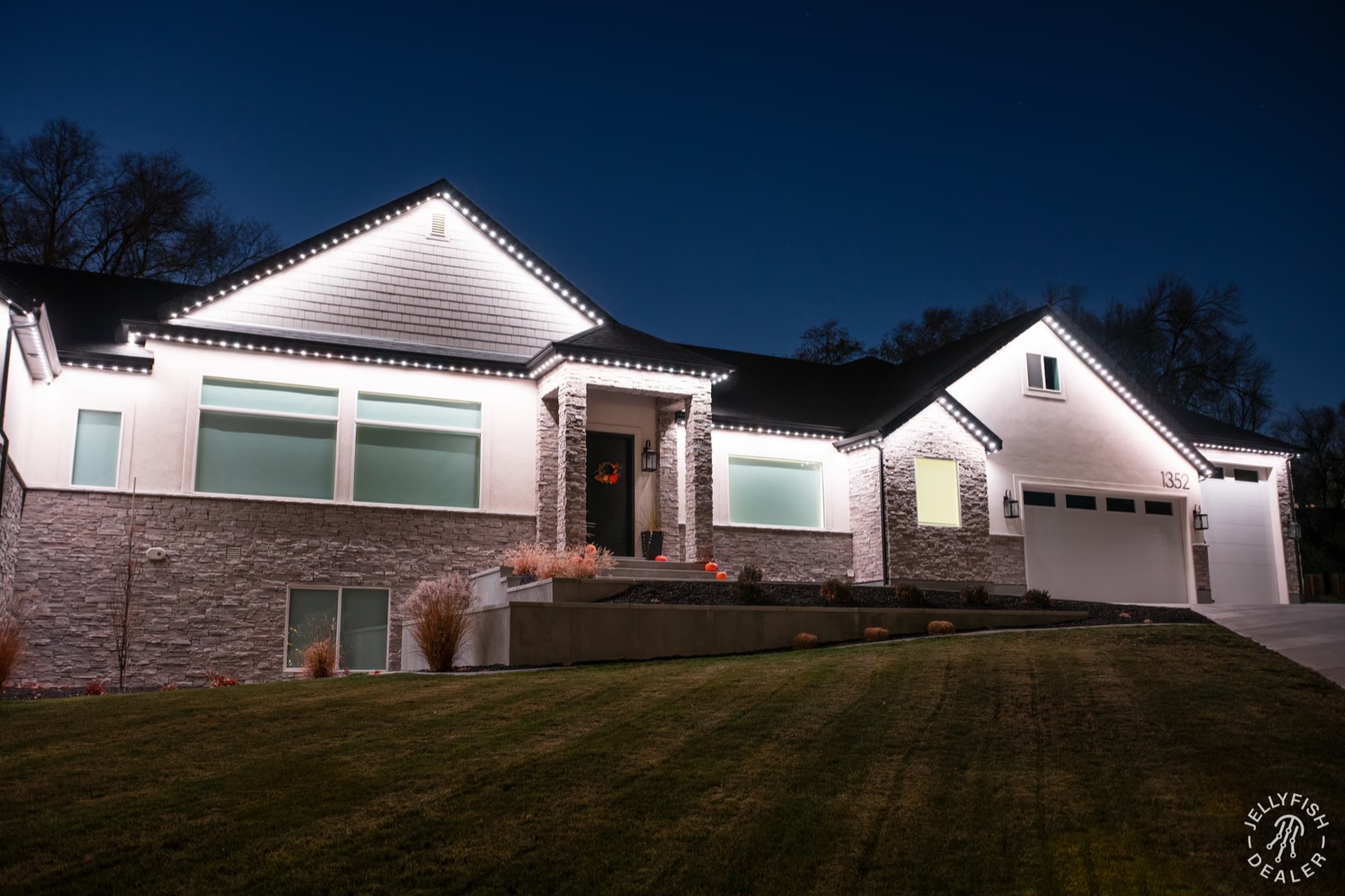
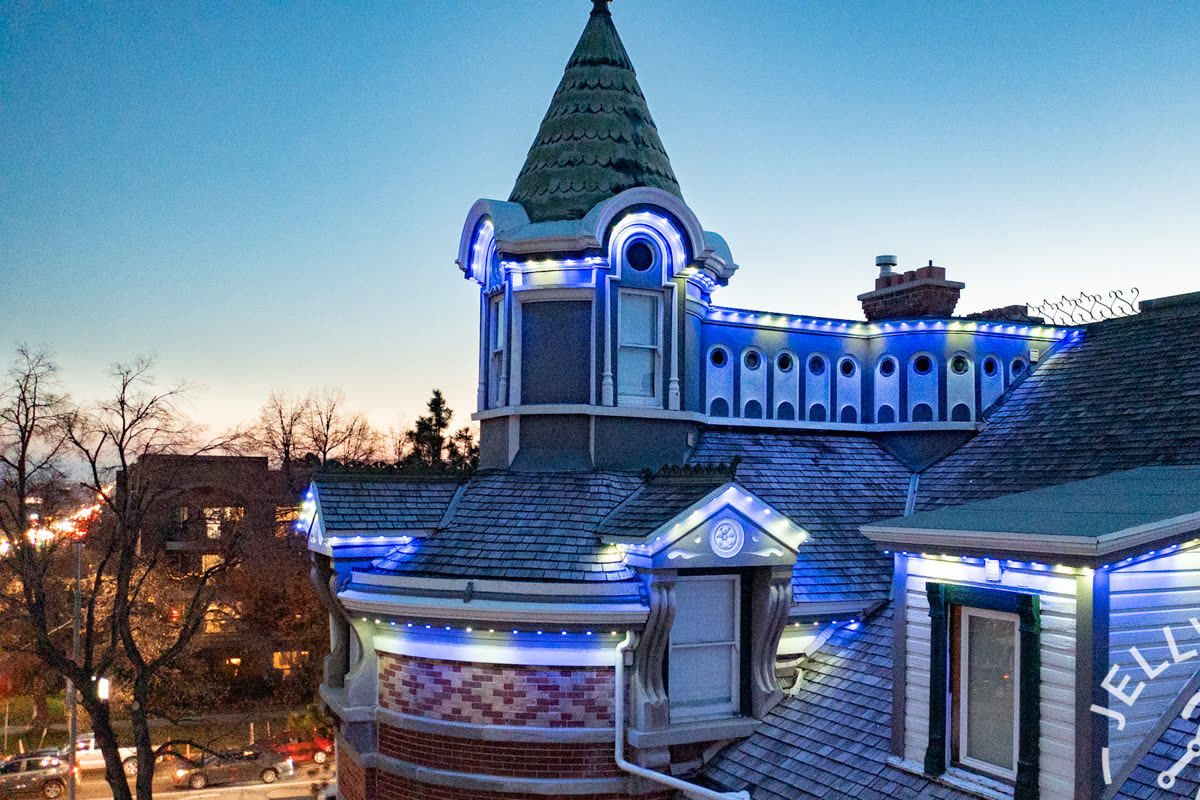
Permanent outdoor lighting install in Fresno, CA

Woodward Park · Fresno, CA

I absolutely love our lights. The app is awesome and installation was perfect. Amazing customer service. Definitely went above and beyond.
Jessica M. Verified homeowner · 4.9★ Google review

Next steps

Get your free quote.

  1. 1 Request your free estimate.
  2. 2 We help you choose the right lighting for your property and budget.
  3. 3 Schedule your install with our W-2 technicians.
Or call us directly (559) 373-2220

By submitting you agree to receive communication. 7-day refund. $0 down.

Call Get Quote →